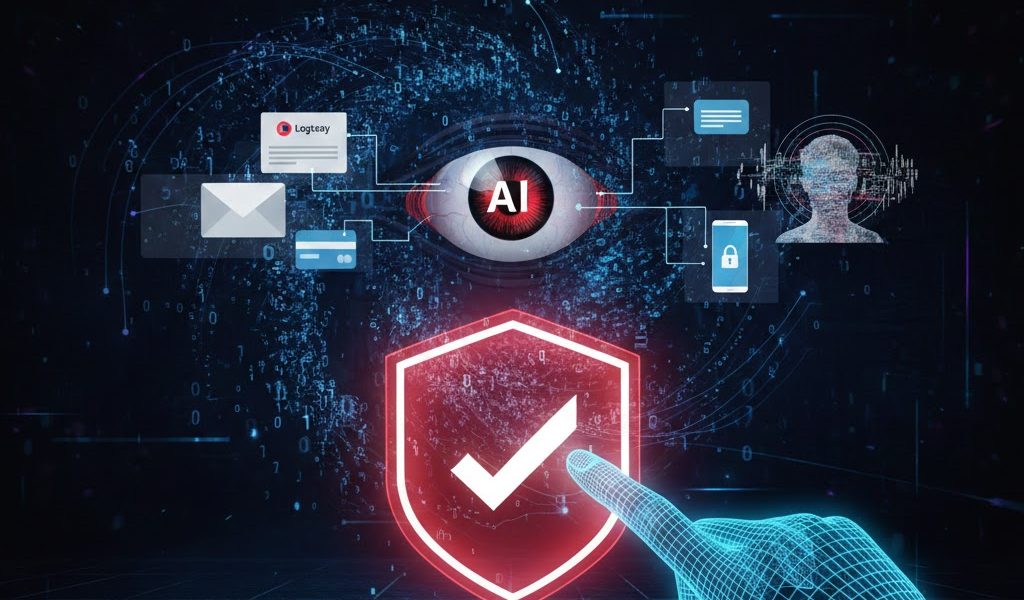
Alert! Steps to Secure Personal Data from AI-Based Phishing Attacks
In 2026, hacking methods have become much more sophisticated thanks to the development of artificial intelligence (Artificial Intelligence). If in the past the attack phishing easily recognized by messy grammar or suspicious links, nowadays AI-based phishing being able to mimic the speech styles of people we know so perfectly.
How can we stay safe in this increasingly challenging digital world? This article will explore practical steps to protect your personal data from AI.
What is AI-Based Phishing?
Phishing AI-based fraud is a fraud technique where the perpetrator uses algorithms Large Language Models (LLM) to create messages, emails, or even voice (deepfake) which is very convincing. The goal remains the same: steal sensitive information such as passwords, credit card data, or personal identities.
The advantage of AI for hackers is its ability to eliminate typos and adjust the context of the conversation based on our public data on social media.
Steps to Secure Data from AI Attacks
1. Use Strong Two-Factor Authentication (2FA)
Don't just rely on passwords. Enable Multi-Factor Authentication (MFA) on each of your important accounts (Email, Banking, Social Media).
- Suggestion: Use an authenticator app such as Google Authenticator or a physical key (Yubikey) instead of SMS, as SMS codes can still be stolen through technical means Driver's License Swapping.
2. Verification through other communication channels
If you receive an urgent message from an employer or family member requesting the transfer of money or sensitive data, don't believe it right away.
- Steps: Do manual verification. Contact the person by phone or another messaging app to confirm if the message is really from them.
3. Beware of Deepfake Audio and Video
AI technology can now mimic the human voice with 99% accuracy. If you receive a call from a familiar person that sounds “off” or asks for suspicious things, try asking questions that only the two of you know (confidential family questions).
4. Check Email Headers and Links in Detail
Even if the content of the email looks professional, the sender's email address can often be completely deceptive.
- Hover the cursor (hover) over the link without clicking on it to see the actual URL address.
- Check if the sender's domain matches that of the authorized company (e.g:
@company.comnot@company-update.net).
5. Limit Information on Social Media
AI gathers data from what you share publicly to create personalized fraud scenarios. Reduce sharing too much detailed information such as office location, names of family members, or specific hobbies on public profiles.
What to do if you've already clicked?
- Disconnect the Internet: Turn off Wi-Fi or mobile data immediately to prevent further data transmission.
- Change Password: Replace password associated account via another secure device.
- Scan Device: Use an up-to-date antivirus to make sure there are no malware which is installed automatically.
- Report: If it is related to banking, contact the bank immediately to block access.
Conclusion
Digital security in the age of AI is no longer about technicalities, but about vigilance and healthy skepticism. By implementing the steps above, you are one step ahead of the hackers. Remember, your personal data is your most valuable asset in the digital world.


 English
  Indonesian